
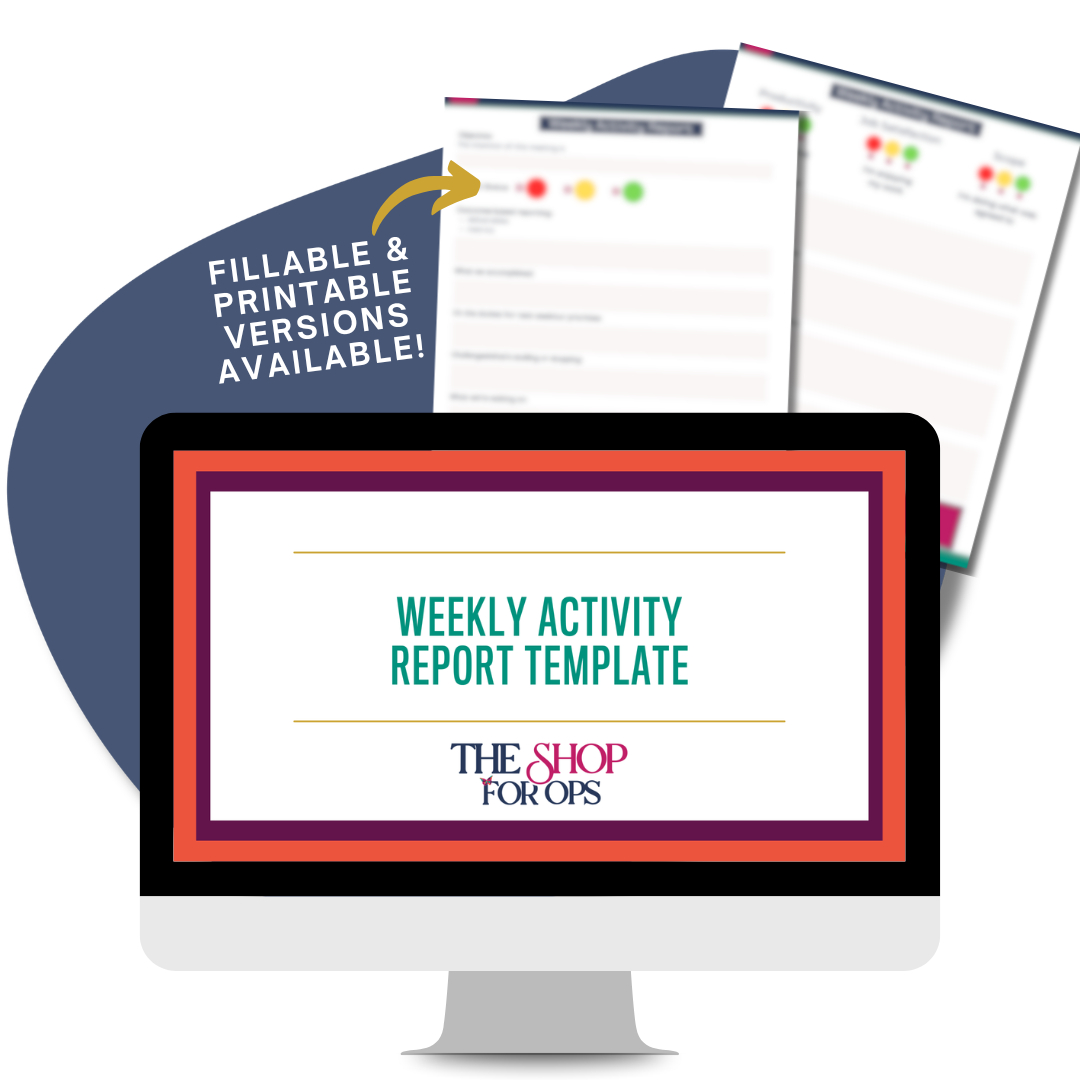
Weekly Activity Report Template
STOP GIVING VAGUE UPDATES. START LEADING STRATEGIC, OUTCOMES-BASED CONVERSATIONS.
If your weekly status updates sound like a task list instead of a high-level leadership report, it’s time for a better system. The Weekly Activity Report Template helps you communicate your impact clearly, confidently, and concisely.
Whether you’re supporting a visionary CEO or leading an internal team, this tool transforms your updates into a strategic status report that shows exactly how you’re moving the business forward. This is the easiest upgrade you’ll make to your executive presence and meeting cadence all year.
Includes: Fillable Template + Printable Template
WHY OPERATIONS LEADERS LOVE THIS REPORTING SYSTEM...
✅ Shifts the Conversation: Moves your reporting from task-based to outcomes-based so you show up as a strategic operator, not just a doer (hello strategic operator).
✅ Easy to Follow System: Gives you a clean, repeatable format for weekly CEO or team meetings
✅ Surfaces Red Flags: Uses simple red/yellow/green indicators to highlight scope creep, roadblocks, and misalignment before they derail the week.
✅ Drives Proactive Leadership: Encourages forward-thinking around efficiencies and opportunities for the CEO and the team.
WHAT YOU’LL RECEIVE...
📄 A professionally designed Weekly Activity Report Template
🖨️ A printable version for handwritten prep or in-person meetings
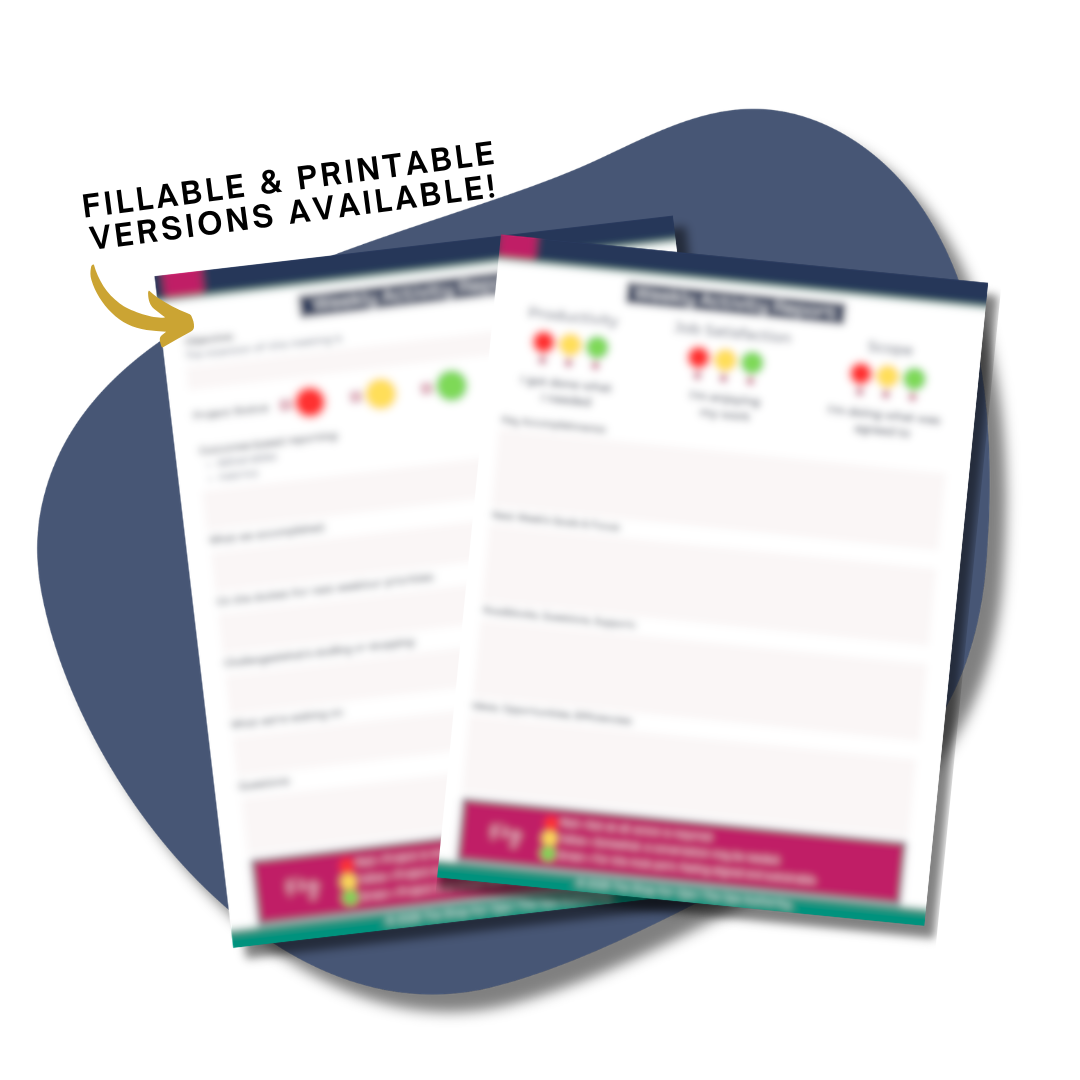
📊 Built-in sections for productivity, job satisfaction, scope alignment, project status, deliverables, and metrics
🚦 Clear red/yellow/green key for both personal alignment and project tracking
🧠 Guided prompts for accomplishments, next week’s focus, roadblocks, waiting-on items, and questions
💡 PRO TIP: Want this template plus every other system in our shop? Grab the All Access Pass and get instant access to our entire library of Ops tools.
FAQ
Who is this best suited for?
What if I already send weekly updates?
Is this part of a bundle?
Nope! This is a stand-alone digital template available exclusively inside The Shop for Ops.
Access Instructions
Choose options